What’s a genealogy toolbox?
- Websites and computer tools that make research easier
Continue reading Power-Up SIG Notes: Building a Genealogical Toobox

Continue reading Power-Up SIG Notes: Building a Genealogical Toobox
A grab bag of new books, journals, maps and vertical files:
The Power-Up Special Interest Group met on March 8 to discuss organizing our paper and digital files. Here are the notes from that meeting:
 Inside This Issue: Annual Meeting Report; Upcoming Events
The Wichita Eagle/Beacon obituary index has been updated to include 2014 and 2015 — bringing us to a total of 626,564 indexed obituaries!
Many thanks to Bill Pennington, who keeps us up to date!
(We know that the tables don’t work well on some computers — it’s hard to find software that can handle tables this big on a budget this small. While Vince is working on a solution, we’ve decided this is better than nothing! Thanks for your patience…)
We had a great turnout for the 2016 annual meeting!
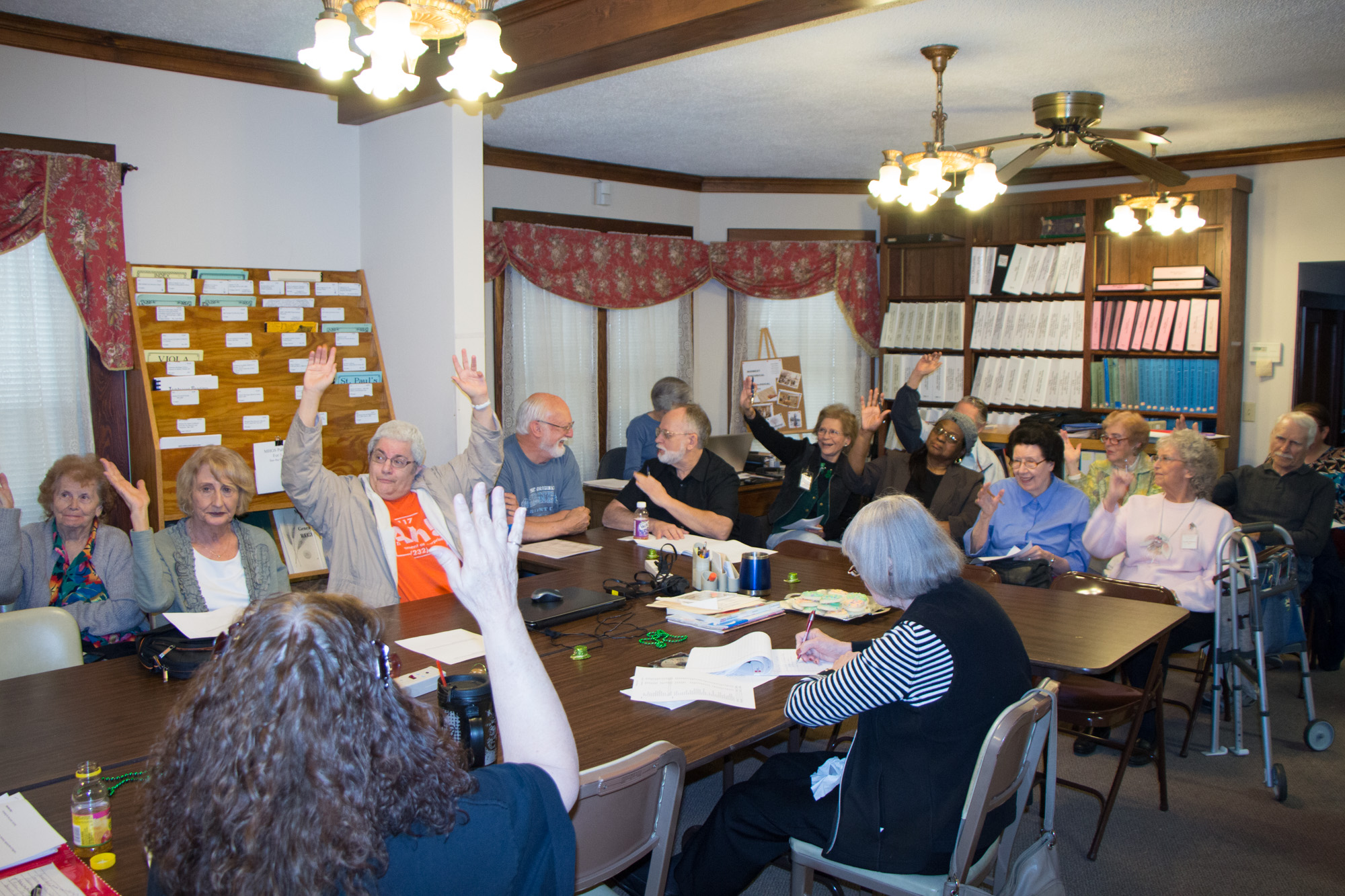
We elected two board members — Rex Riley is the new President and Jim Scharnhorst is remaining as Treasurer. We also have a new Vice President, Jozel Smith Eckels. Here’s the 2016-2017 Board and committee chairs:
Continue reading 2016 Annual Meeting
Inside This Issue: Annual Meeting; White Chapel Photo Project; Upcoming Events; New Books
Lots of new stuff in the library this month…and lots of interesting digital books from K-State, as well.
The Power Up Your Genealogy SIG met on February 9 to discuss genealogy software. Here are notes from that meeting:
Most of us are using at least a couple of these to host our trees.
One big difference — some (Ancestry) allow you to control your entire tree, while some (FamilySearch, WikiTree) are trying to create one master tree, so you can only control your most recent, living relatives and anyone can edit those relatives further back in time. While the idea of everyone contributing to one master tree is an appealing way to reduce duplicated effort, the current reality is messy.
The NEHGS has made a handy chart http://admin.americanancestors.org:8080/uploadedFiles/Content/Education/Learning_Resources/Program%20chart.pdf
Most of our members use Family Tree Maker, which was discontinued by Ancestry.com last fall; some are still using FTM, and some have started using RootsMagic. We also have some folks using PAF, The Master Genealogist and GRAMPS.
RootsMagic & FamilyTreeMaker both made big announcements at RootsTech. Ancestry.com announced that Family Tree Maker will be transferred to MacKiev, who will continue to support and develop it (http://blogs.ancestry.com/ancestry/2016/02/02/good-news-for-users-of-family-tree-maker/). RootsMagic announced that it will be adding the ability to sync to Ancestry.com (http://blog.rootsmagic.com/?p=2612)
Randy Seaver has dug a little deeper into how the syncing will probably work (http://www.geneamusings.com/2016/02/more-information-about-family-tree.html)
• How do you use software? What are your goals?
• Download free demos and import a small GEDCOM to play with
Those members who have worked with both FTM and RootsMagic agree that each has strengths and flaws. You’ll have to play with both to decide which fits your needs better.
One issue we discussed was whether you need to consider the stability of the company producing your software — is a small company like RootsMagic more like to go away, leaving you stranded? Unfortunately, there’s really no way to know, and no really strong, stable company to rely on.
No one really felt the need to use more than one software program. This is not the same as keeping more than one online tree — almost everyone has trees on several sites.
No one seemed too worried about security. Jim mentioned some issues with RootsMagic and private media files. If we are to be believed, we are all backing up our files; most on thumb drives and external hard drives, some on DVD and some on cloud services. We talked a little about the difference between creating a copy of your program’s project files, having your program make a backup of your project, and creating a GEDCOM file. GEDCOMS can be transferred between programs, but are also most likely to omit data when transferring from one program to another.
• Online. We all use some online support resources.
• Phone. A few of us have used phone support. A problem is that the phone tech usually wants to just send a link to online support resources, so you have to be persistant.
• Local user groups. We’re not aware of any local user groups for FTM, although the MHGS group Genealogy on the Internet frequently discusses FTM. There is a new RootsMagic user group starting at the Andover Public Library; they will be meeting at 6pm on the third Wednesday of each month. All RootsMagic users are welcome.
Spreadsheets – Excel, Google Sheets:
Useful for keeping track of source documents, complicated trees, sorting out conflicting evidence.
GedMagic will translate GEDcoms to Excel Worksheets or .CSV
http://www.gedmagic.com/gedxlate.htm
Photo editing & organizing – Photoshop, Lightroom, GIMP, IrfanView, Picasa
Several folks use Lightroom for managing big image collections.
Picasa is being rolled into Google Photos. Here’s an article on how to make the move
XnView can be used to convert files between formats
Scrapbooking —
One member has used scrapbooking software, which is easier to use than Word if you’re trying to combine words and images.
Authoring – Word, Google Docs, Scrivener, LibreOffice
We’re all using word processing software.
Note-taking – Evernote, OneNote
Not much use here
Presentation – Powerpoint, Google Slides
Nobody really using this for genealogy
Video editing
We like the idea, but it scares most of us. Vince and Rex are working on a scheme to provide professional level conversion of tape to digital; expect more info in coming months.
A very mixed lot of new books this month! There are several new Polk city directories from the 2000s. We also have Shirley Ortiz’ collection of research into the Bean family. The full list includes: